Your exact age, live on your Android wallpaper.
TimeBorn is a live age wallpaper and home-screen widget. It counts your age the way it actually passes, to ten decimal places, in twenty-four faces drawn from scratch. No ads, no account, nothing leaves your phone.
Try it: scroll the month, day and year wheels on the phone and the counter becomes yours.

When were you born?
Scroll the wheels. The counter becomes yours.
Four taps from birthday to wallpaper.
Every screen below is a capture from the app, not a mock-up.
- 01
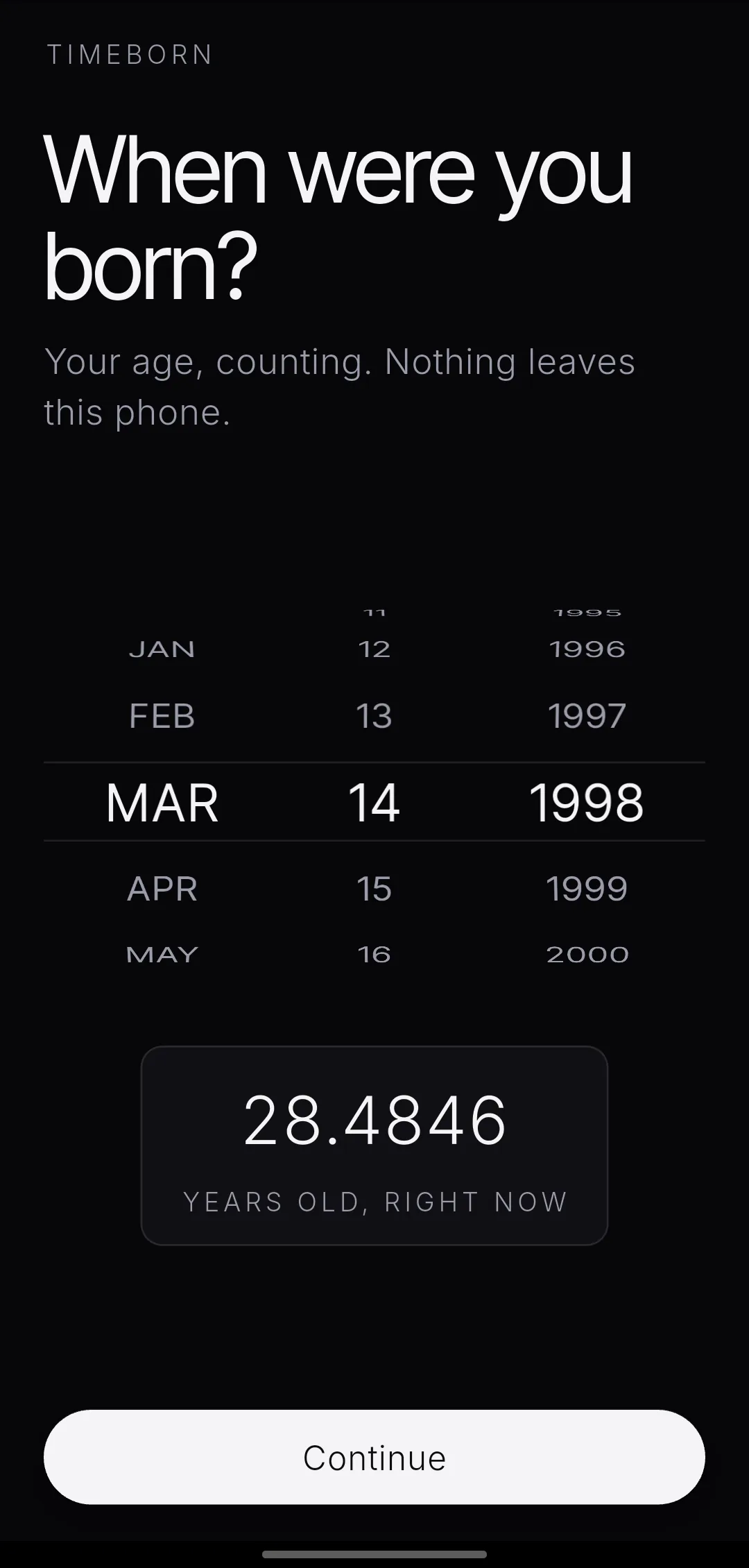
Type a birth date.
That is the whole setup. No account, no sign-in, no permissions prompt. The number starts moving before you finish reading the screen.
- 02
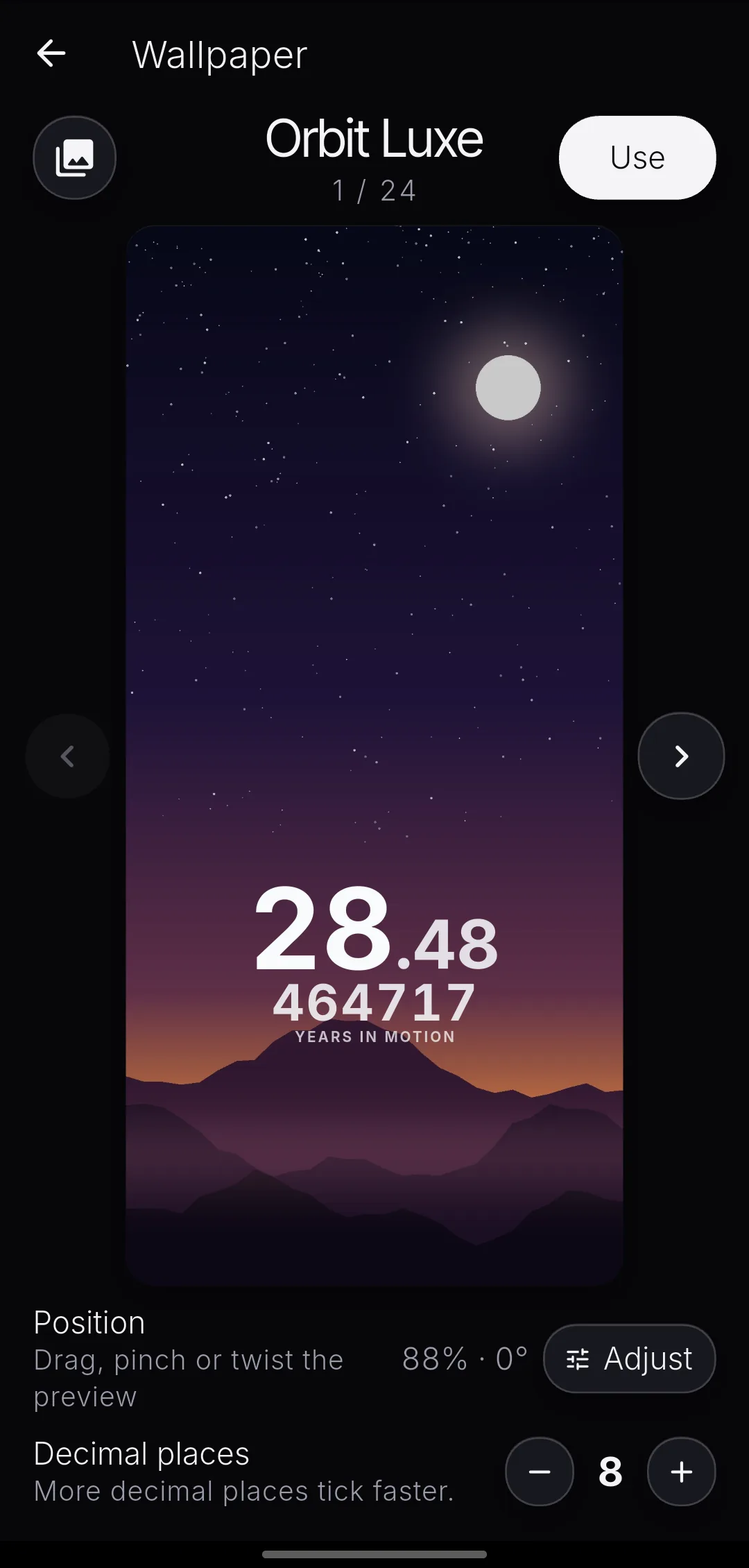
Pick a face, over your own photo.
Choose your wallpaper picture and all twenty-four faces redraw on top of it. You are not guessing how a style will look against your photo. You are looking at it.
- 03
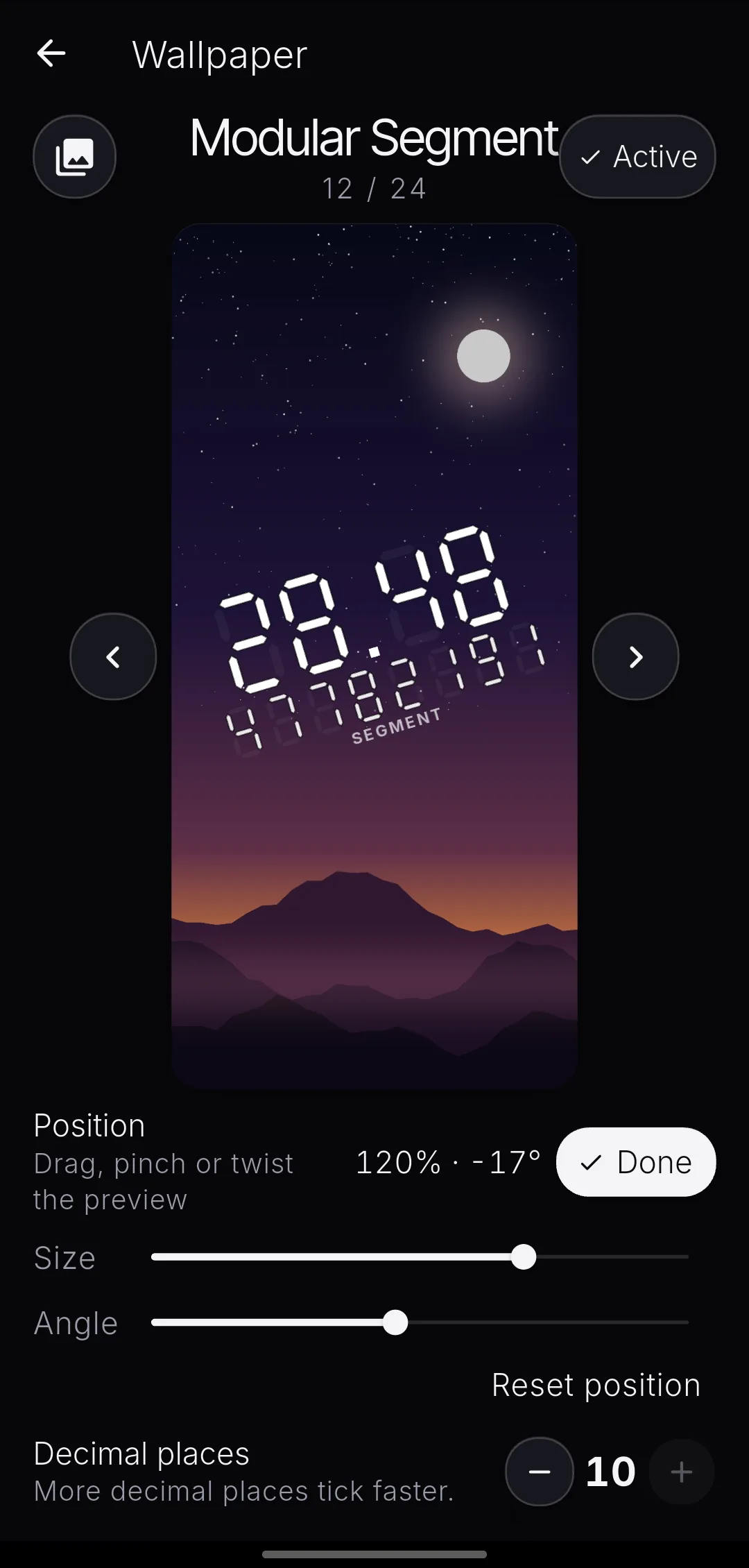
Put it where you want it.
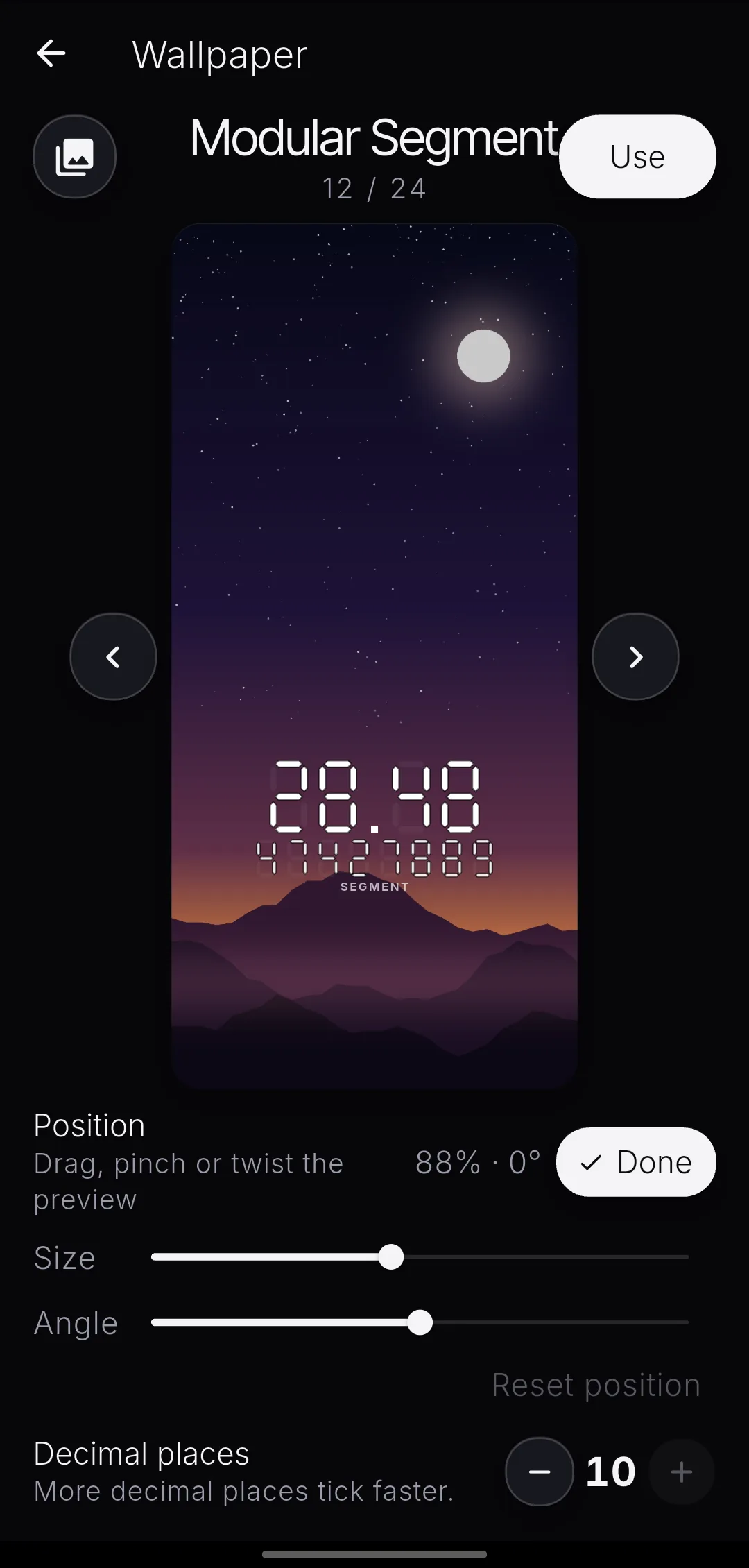
Drag the timer anywhere. Pinch to resize. Twist to set the angle. Whatever you arrange is exactly what the live wallpaper draws.
- 04
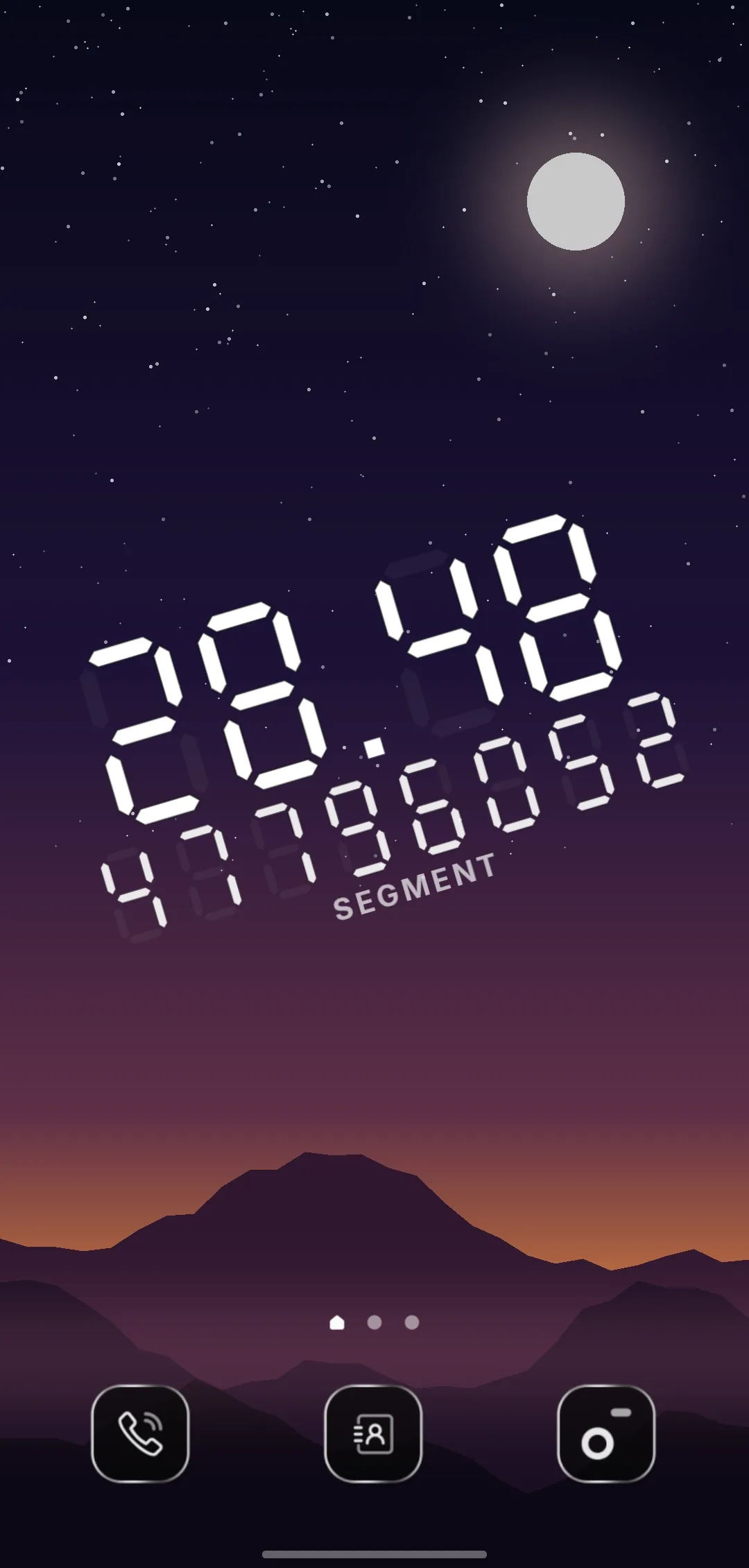
Set it, and let it run.
One tap sets the live wallpaper. Add the widget from your launcher for the same face on a home screen. Both keep counting while the phone sits in your pocket.
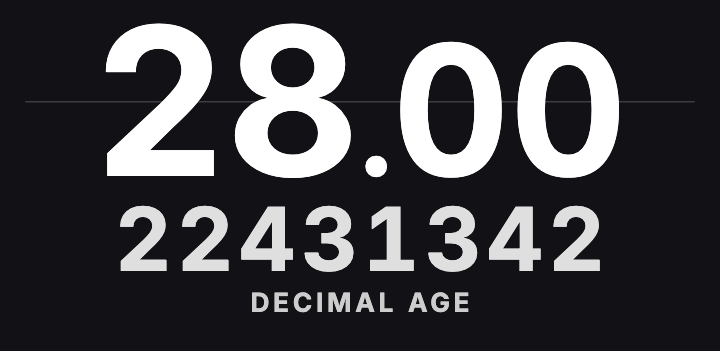
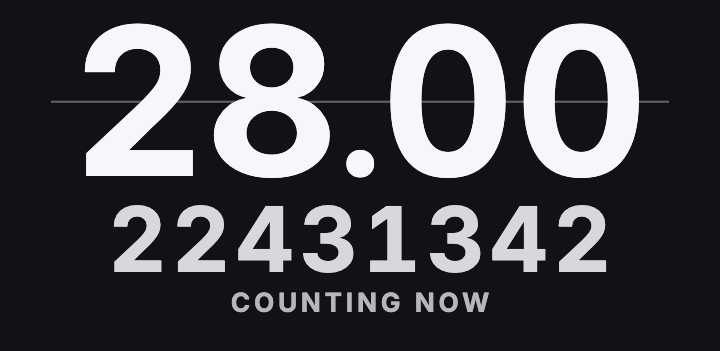
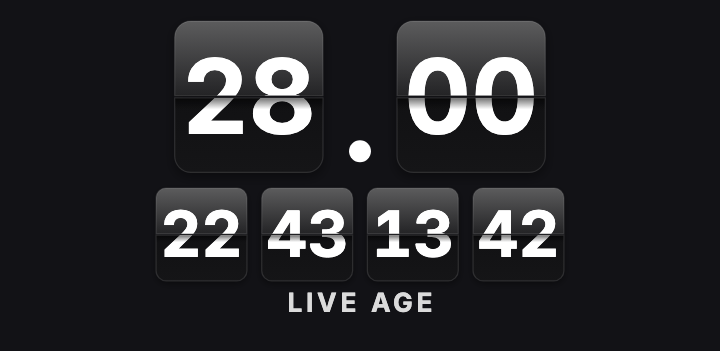
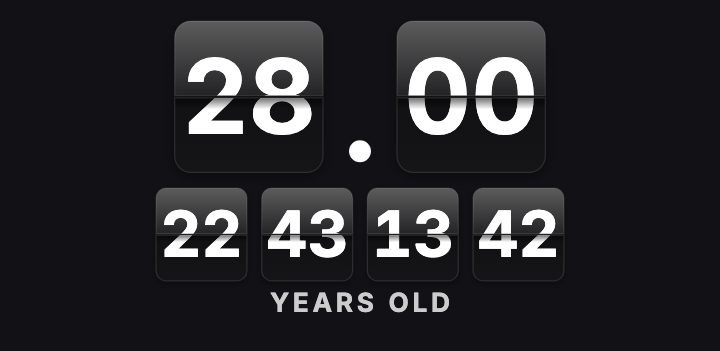
Twenty-four faces. Every one shows every digit.
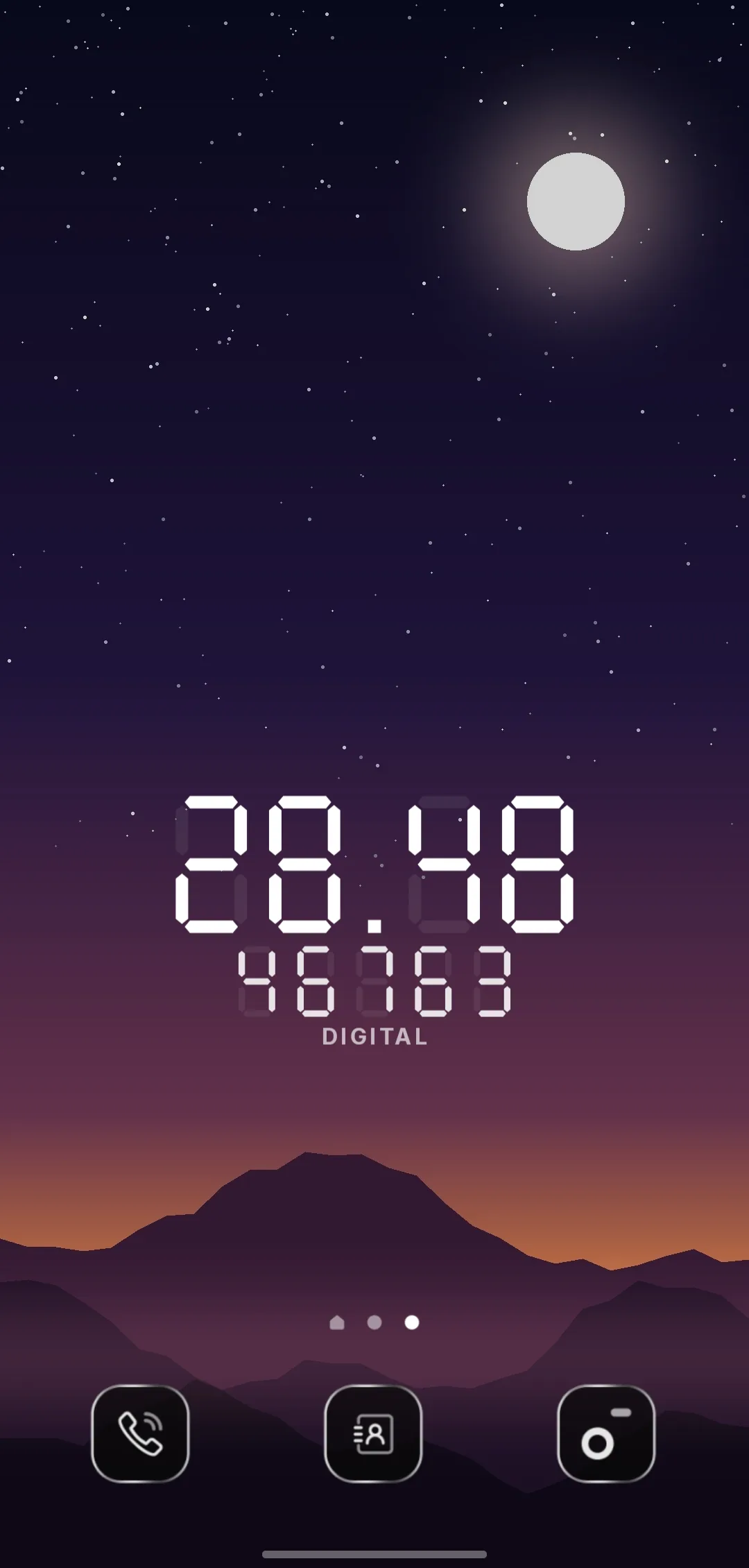
A split-flap deck that turns leaf by leaf. A nixie tube glowing behind unlit cathodes. A phosphor terminal with scanlines. Chrome, seven-segment, dot matrix, collegiate outline, an editorial lockup with the decimals set as superior figures.
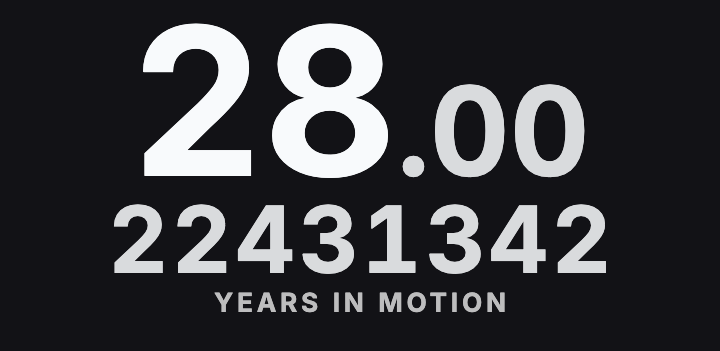
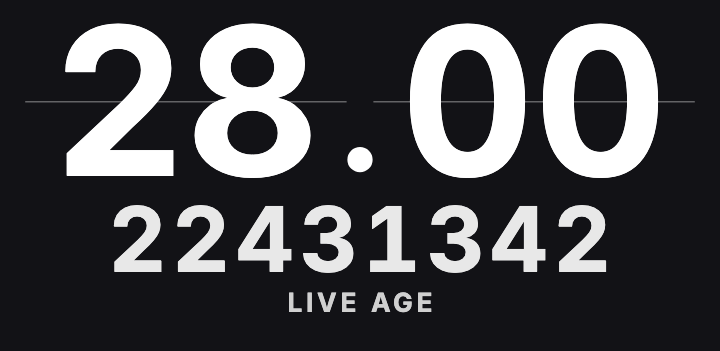
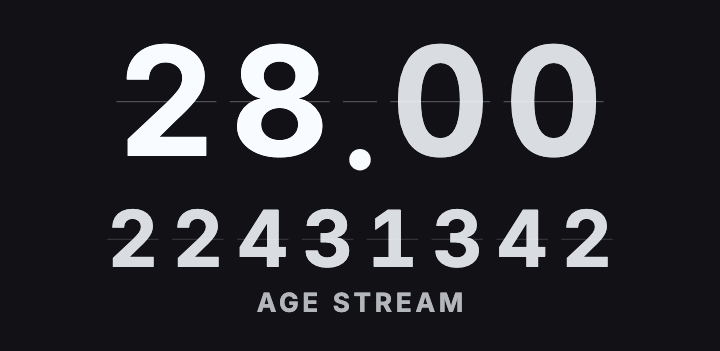
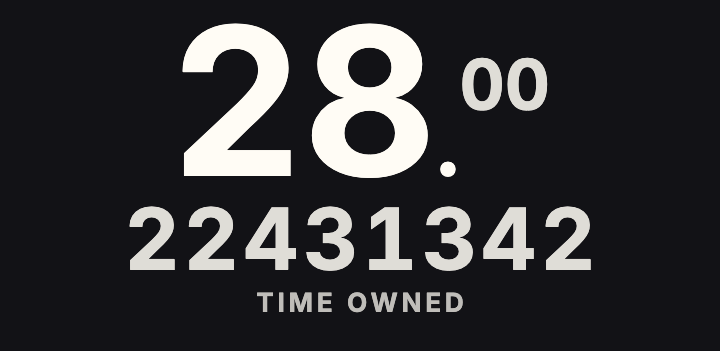
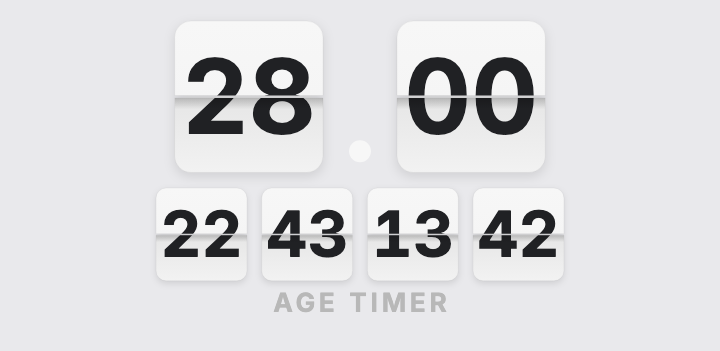
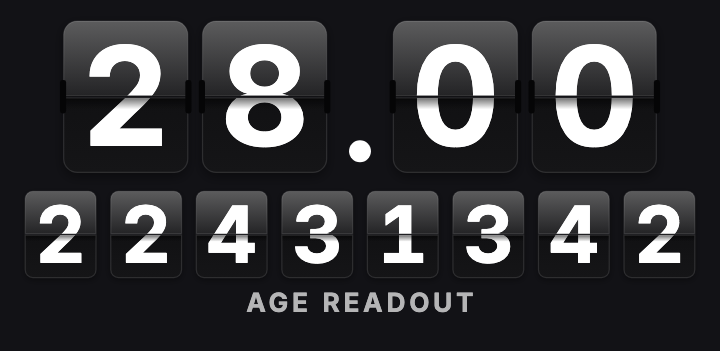
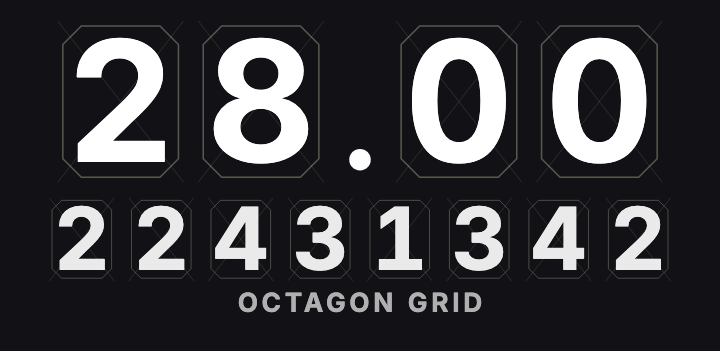
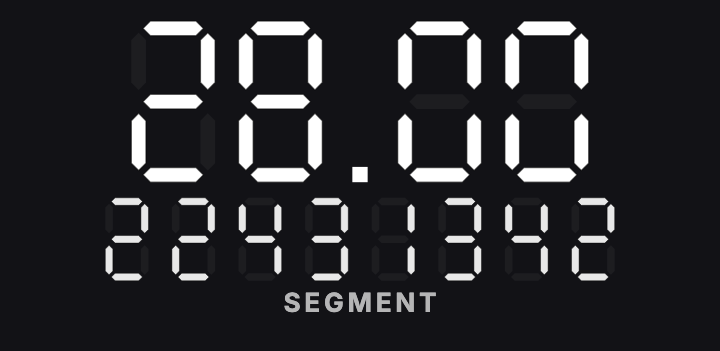
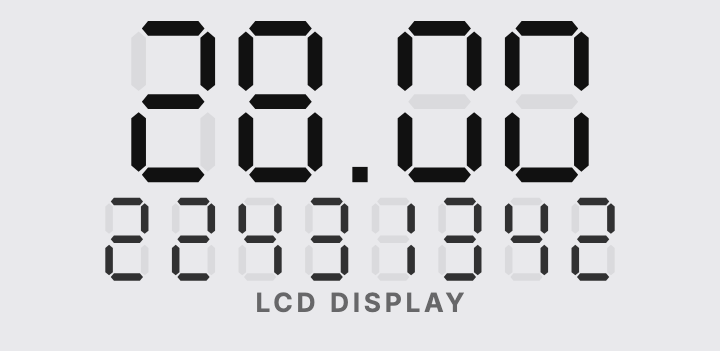
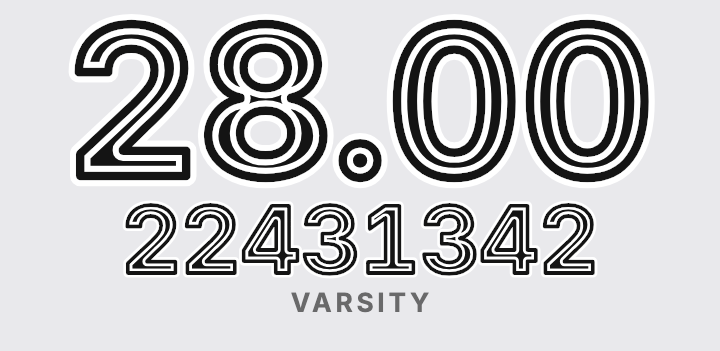
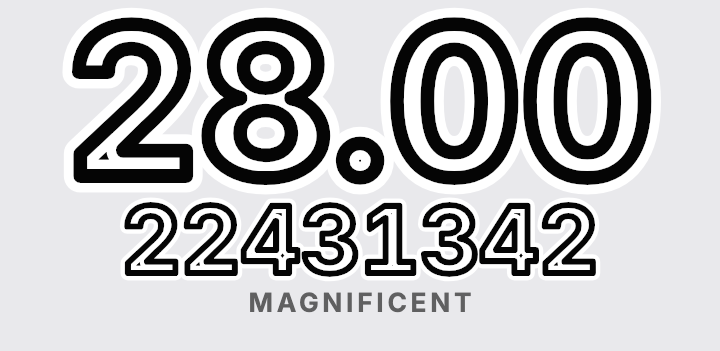
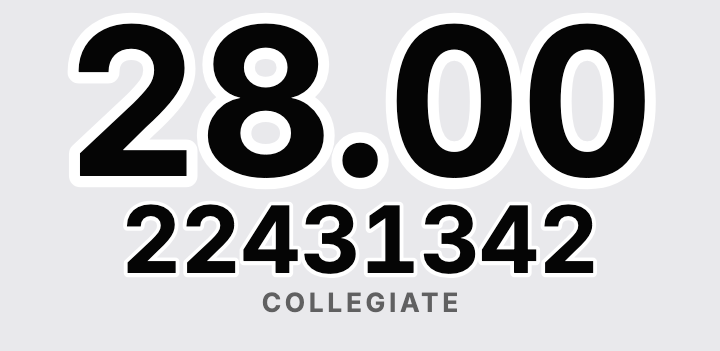
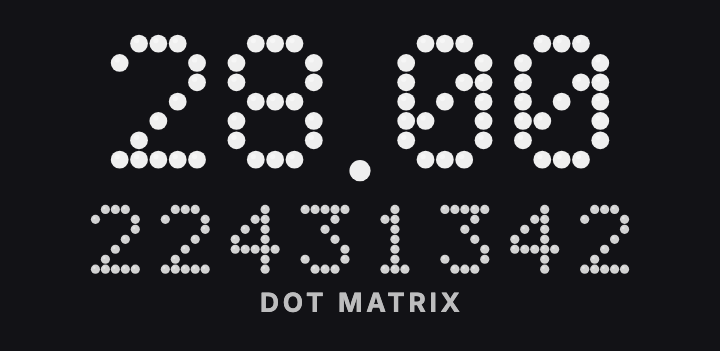
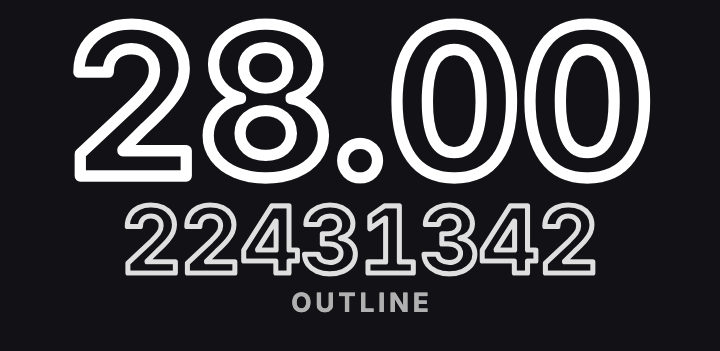
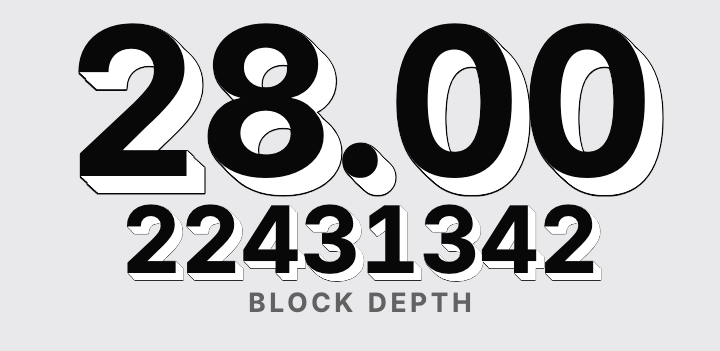
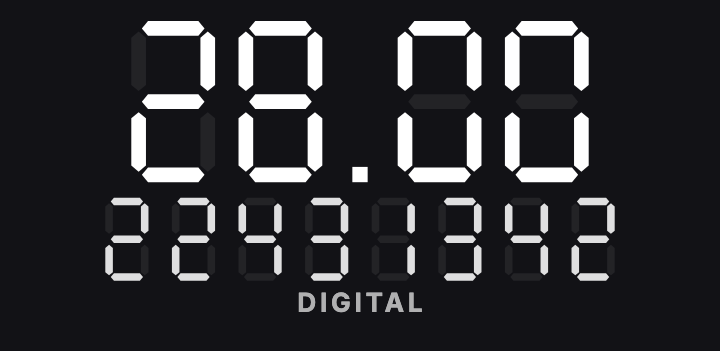
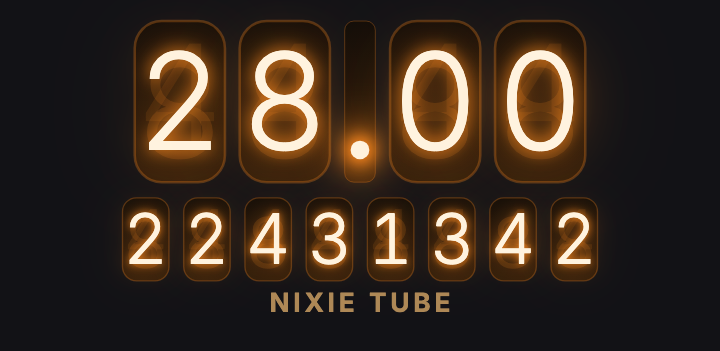
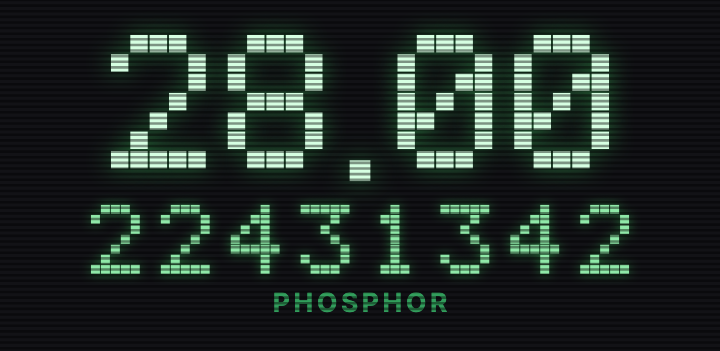
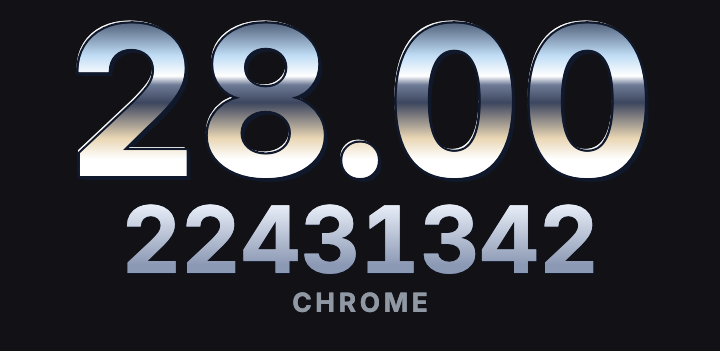
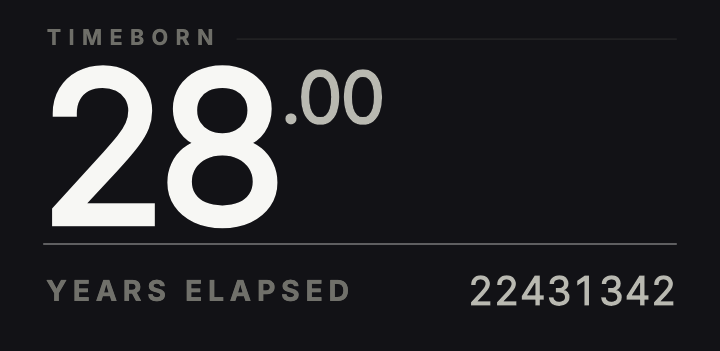
See it before you set it.
Pick a photo and the whole catalogue redraws on top of it. Drag the handle to compare the plain picture with the same picture as your live wallpaper.
- One photo, twenty-four faces
- Swipe through the deck and every face is drawn over your own picture, not a sample.
- Pixel for pixel
- The preview and the wallpaper are the same drawing. Nothing shifts when you set it.
- Any photo, any time
- Change the picture later and the face you chose redraws on the new one.
 Your photoAs your wallpaper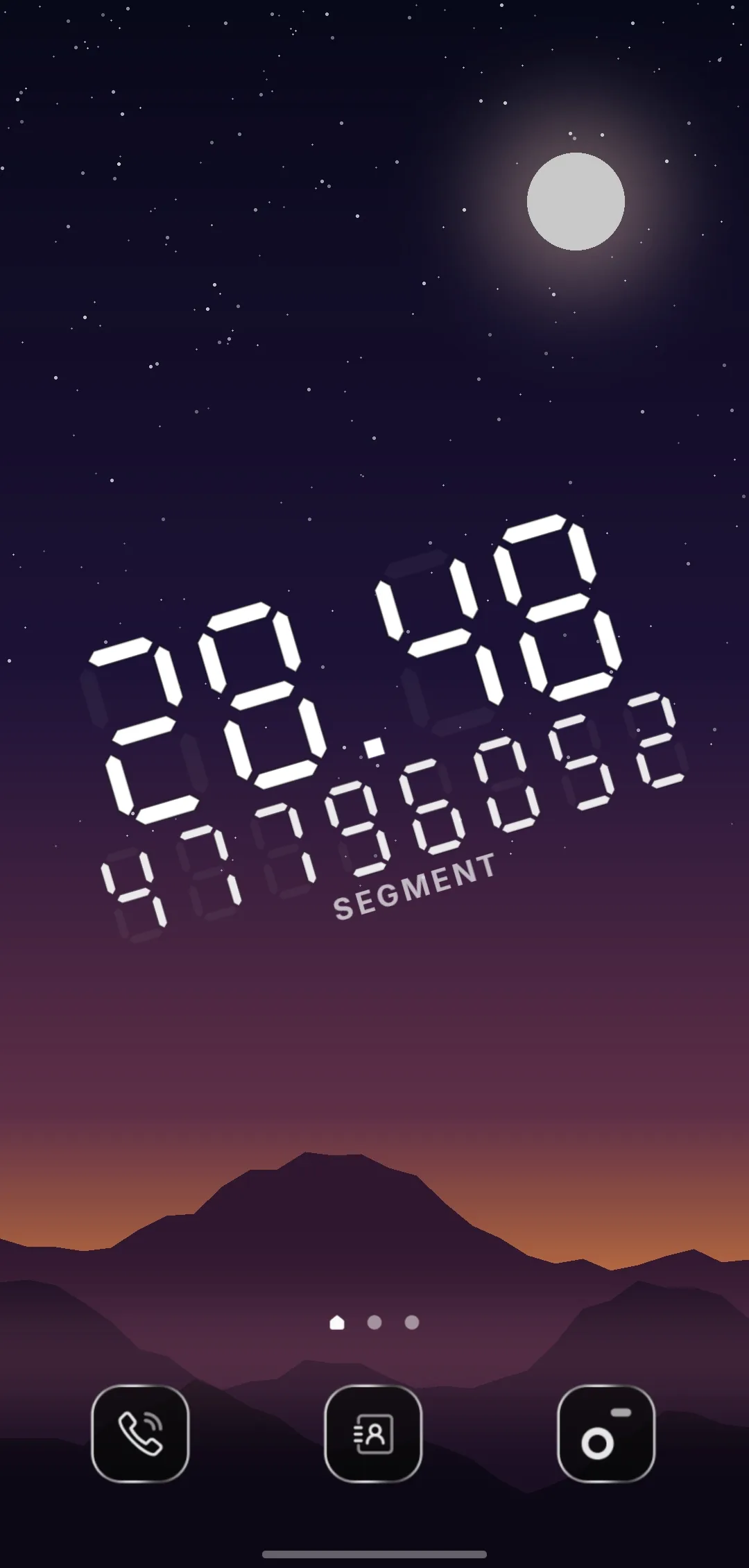
Put it exactly where you want it.
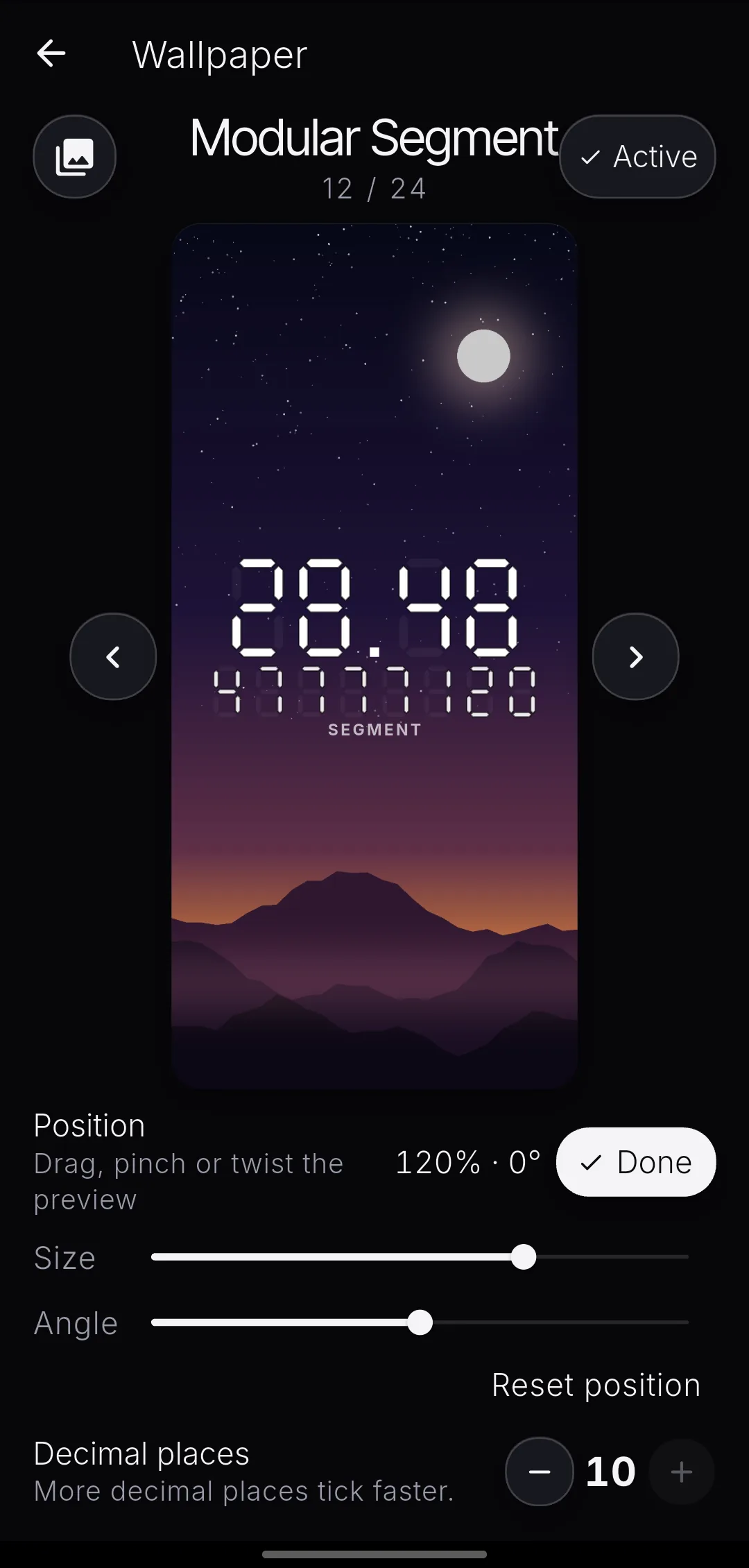
Placement is a gesture, not a setting. Tap Adjust, then move, resize and rotate the timer on the preview. The app shows its size and angle while you do it.
Drag it anywhere.
Put the timer where your photo has room for it: over the sky, beside a face, in the corner. The preview is the wallpaper, so what you see is what the launcher gets.
Size · angle 88% · 0°
Choose how fast time moves.
Two decimal places for a calm number that moves every few days. Ten for a counter that never sits still. Tap a precision and watch the figure change.
last digit changes every 3 milliseconds
The same faces, as a widget.
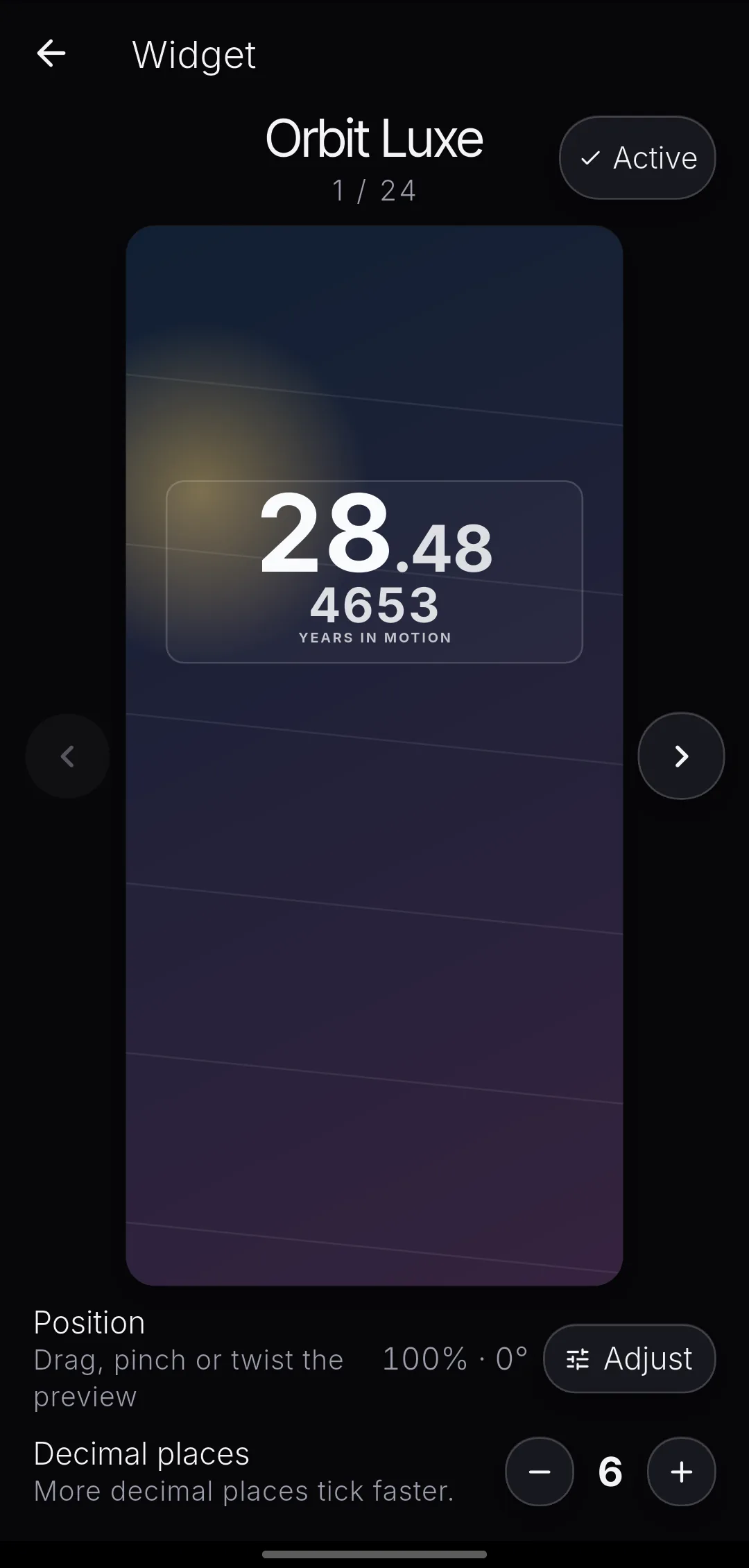
Resize it across the grid and the face redraws to fit. Widgets update in steps rather than continuously, so the widget shows up to seven decimals and the wallpaper shows ten.
Quiet by design.
No account. No ads. No analytics. No network permission at all, so the app cannot send anything anywhere. Your birth date and your wallpaper never leave your phone.
Read the privacy policyQuick answers.
Start counting.
Get it on Google PlayFree on Android 7.0 and up. No ads, no purchases.